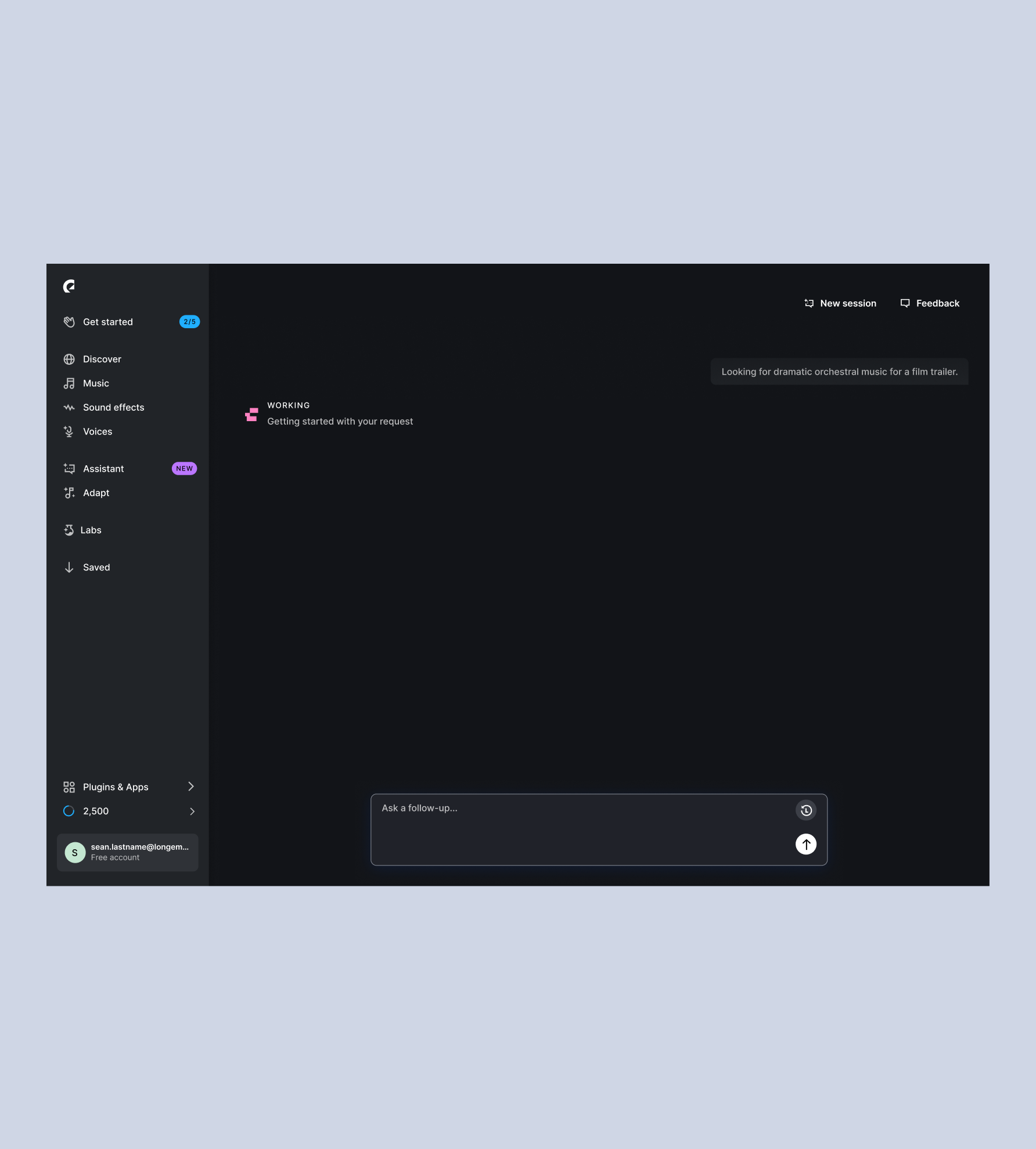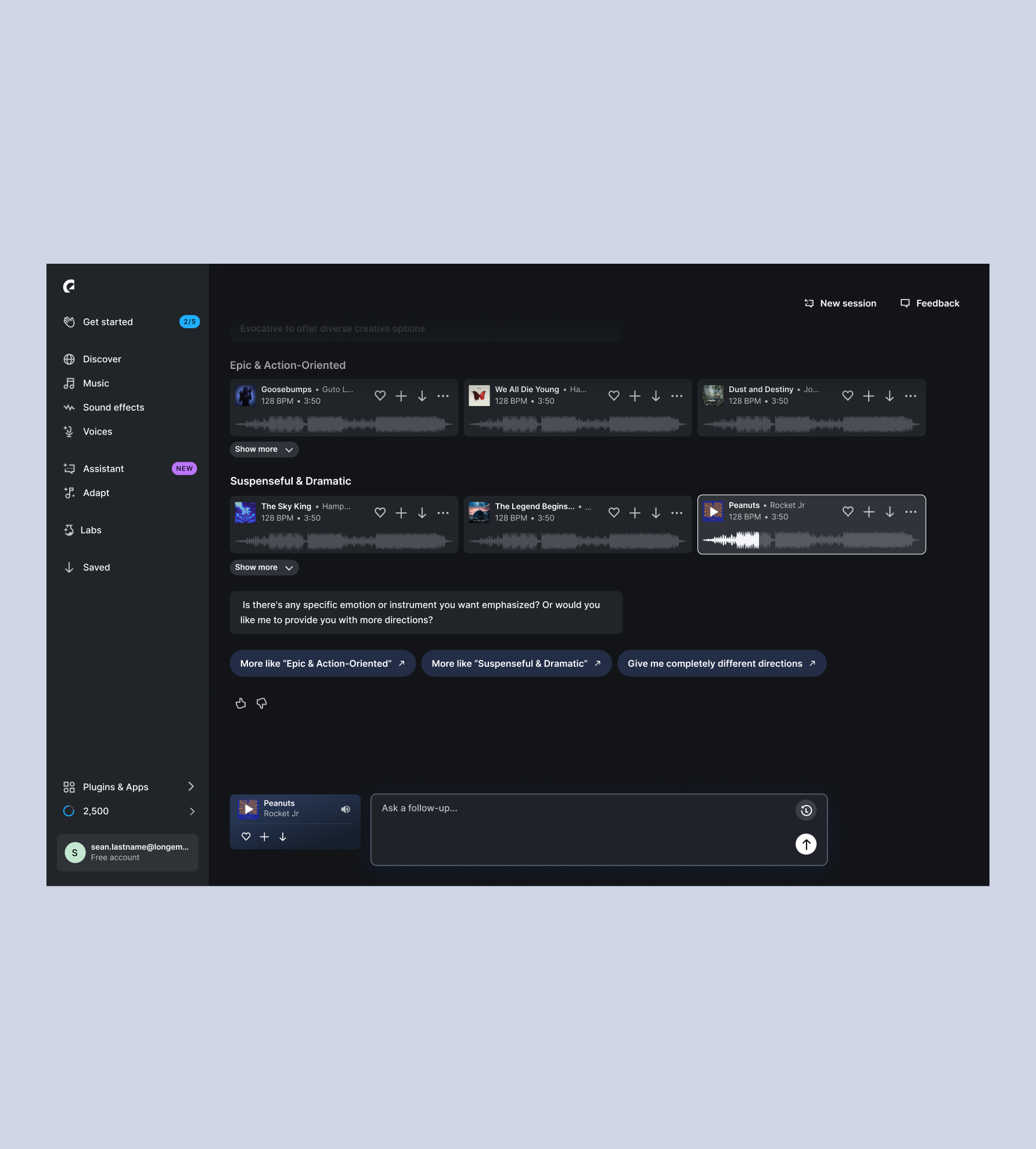
Finding the right sound has always been the hardest part for creators, and research kept pointing at the same two things: describing the sound they were after, and getting matches that actually fit. The assumption was that an AI assistant could help, making it easier to explain the project in their own words instead of guessing at keywords or browsing the catalogue. The harder question was how to fit it into the product people already used: where it should live, and how it should behave to feel like a natural part of their workflow.
I was responsible for the assistant on both platforms, from concept to implementation, including the new patterns and components it needed. Designing all our new AI features changed how we worked: faster, across more of the product at once, and with a lot more ambiguity than we were used to. We designers had to work closer together. We each had our own area, but they overlapped more than before, so we all had to keep an eye on how it fit together. So we released early and learned from what came back. We still did research and user testing, but AI prototypes made them quicker to set up, so we spent less time on pixel perfection and more on shipping.
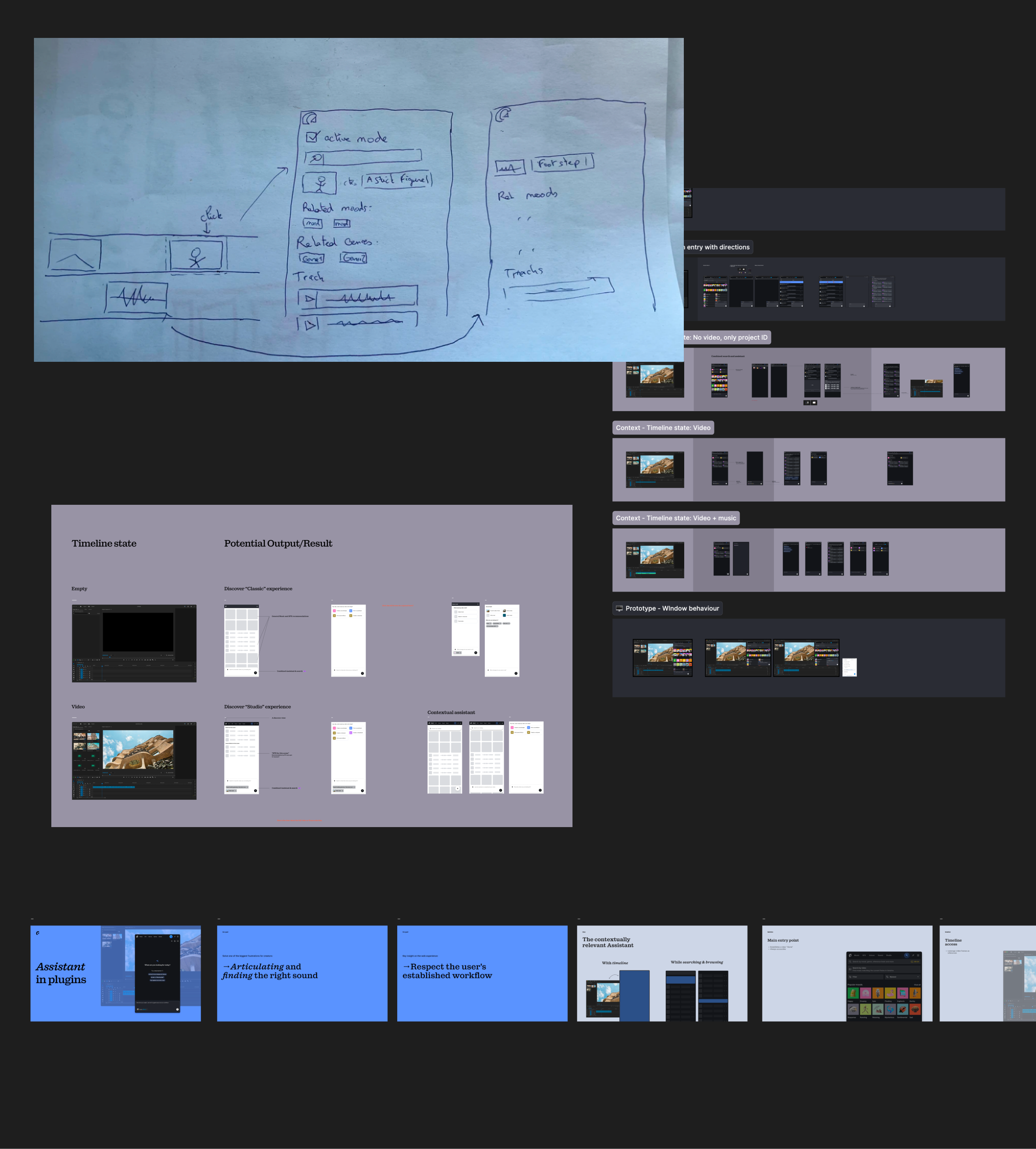
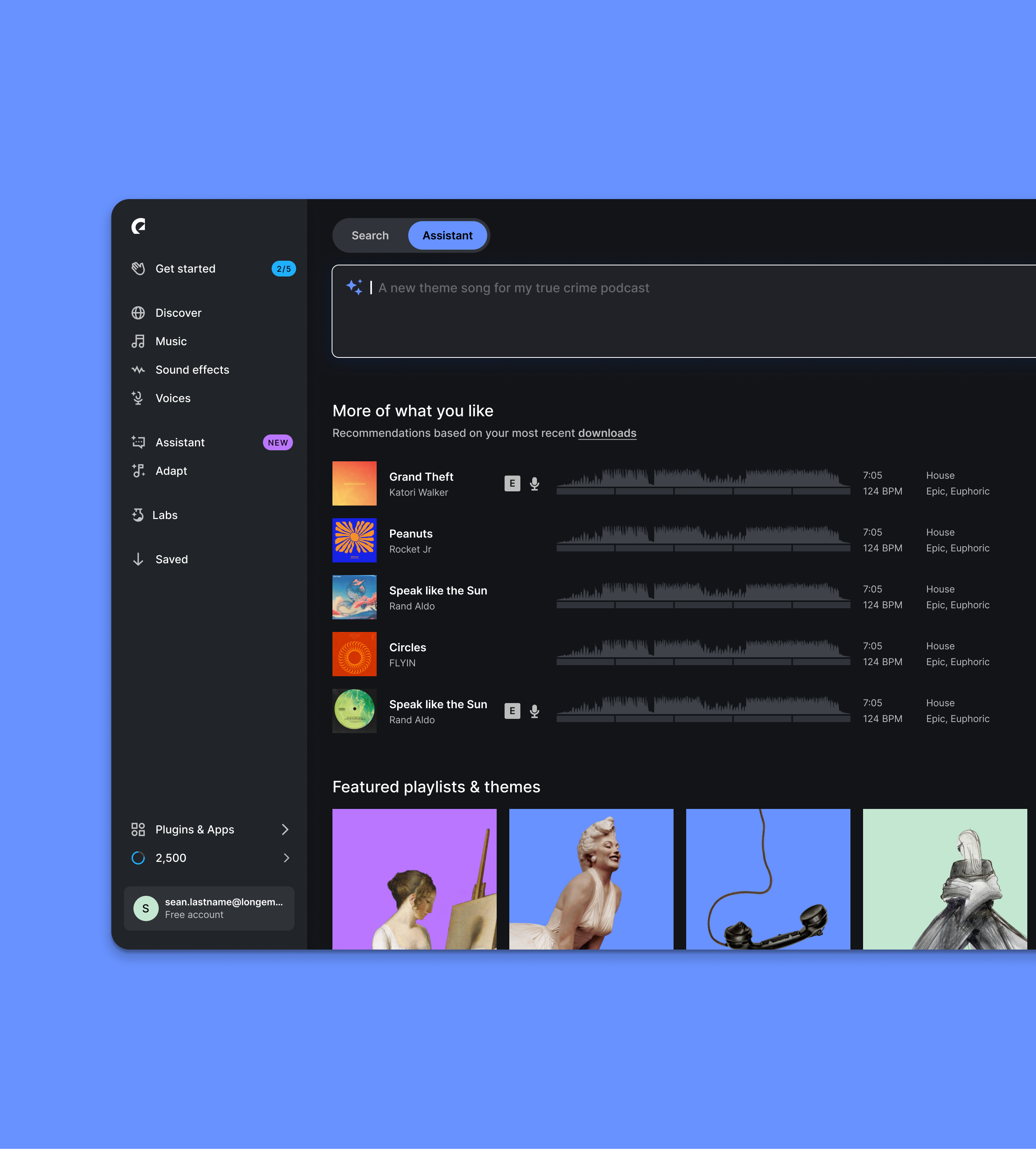
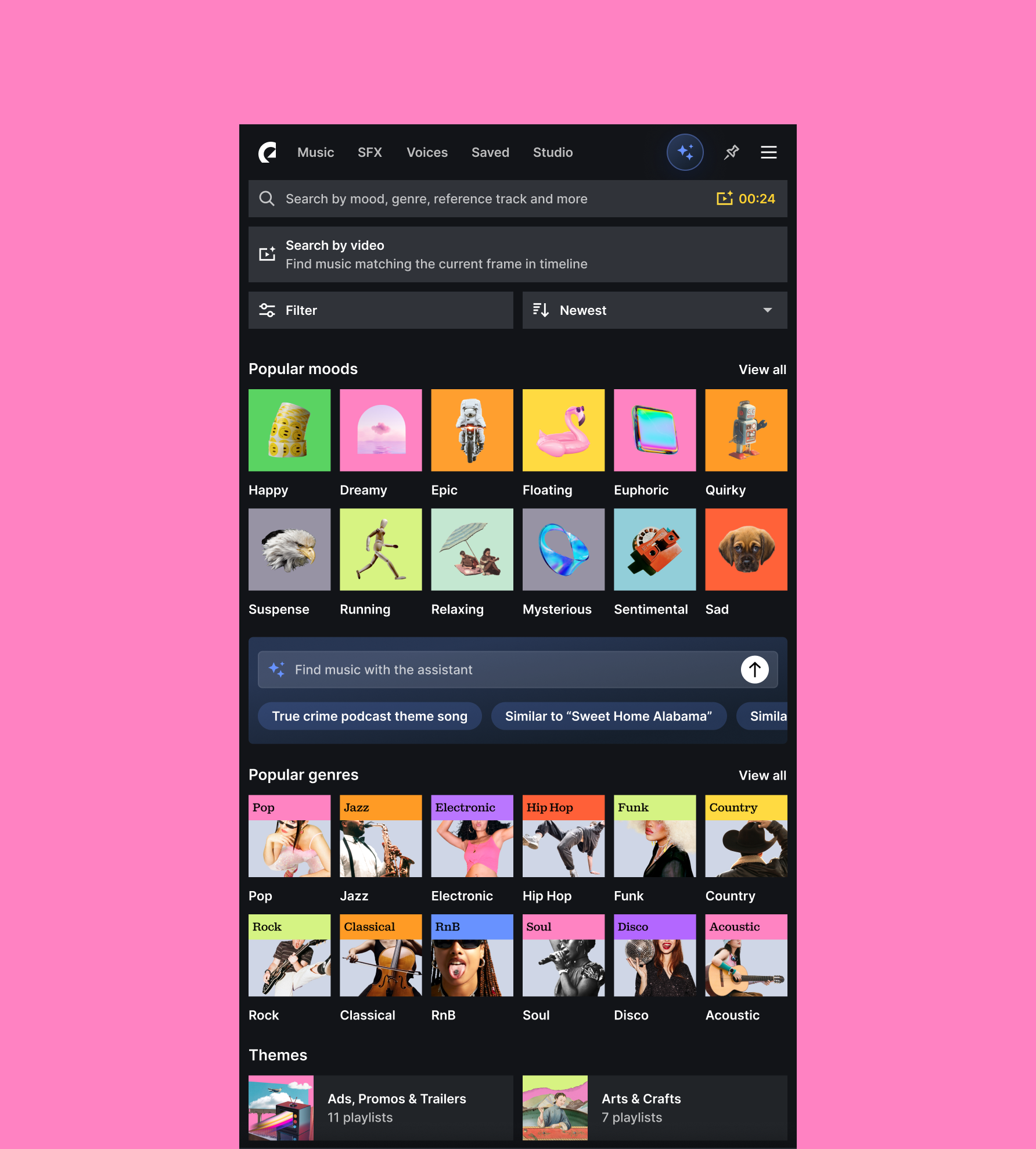
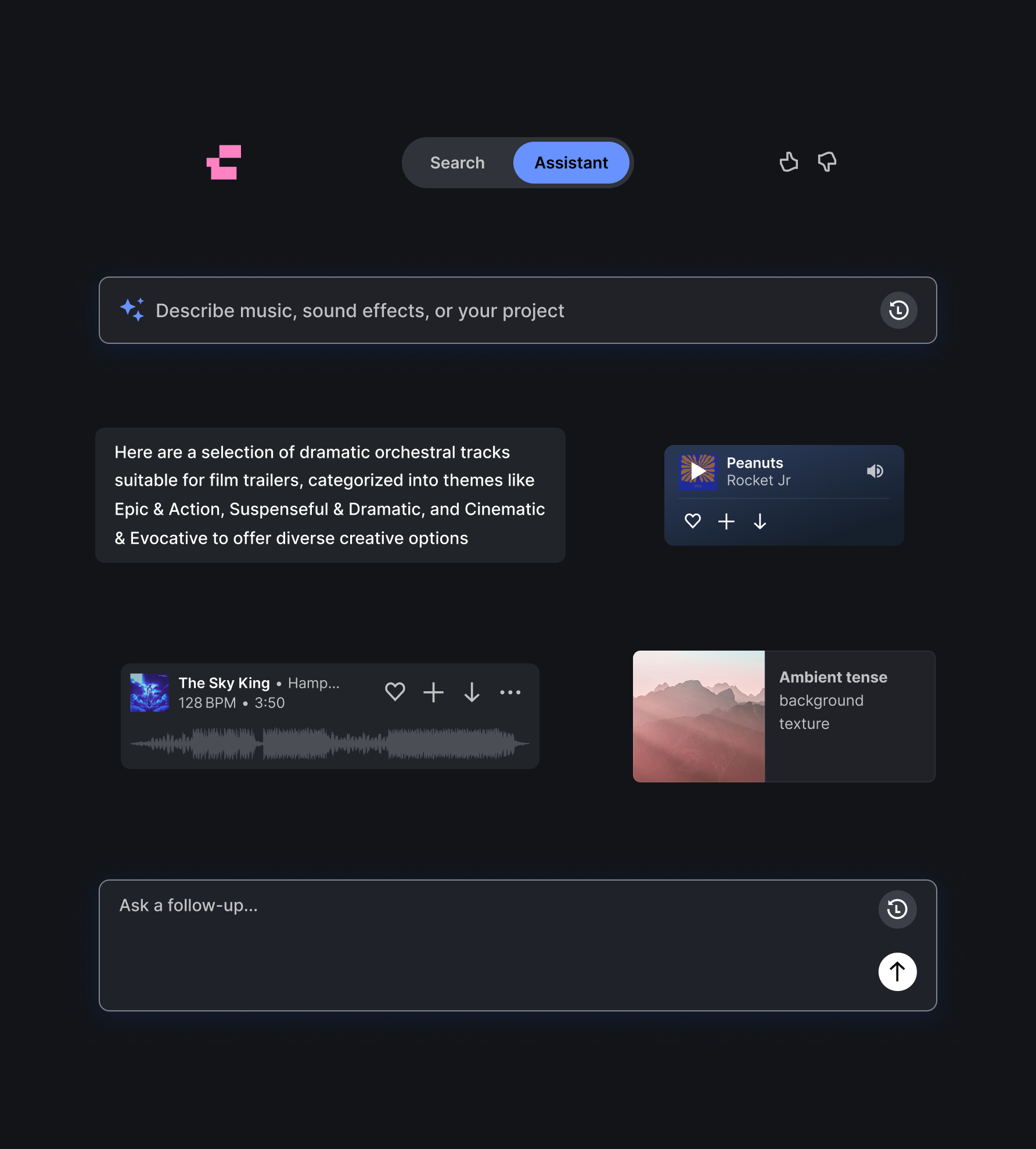
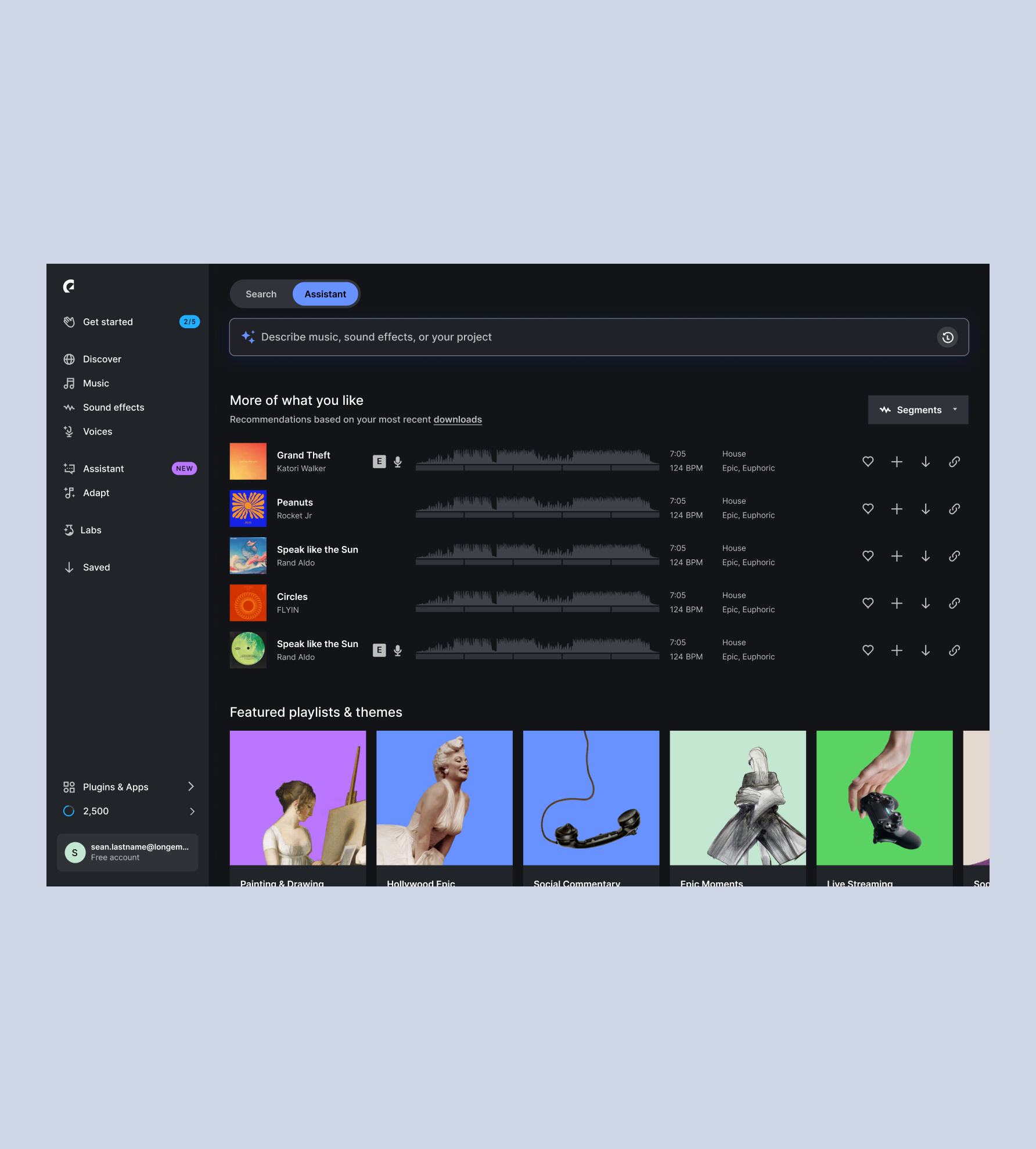
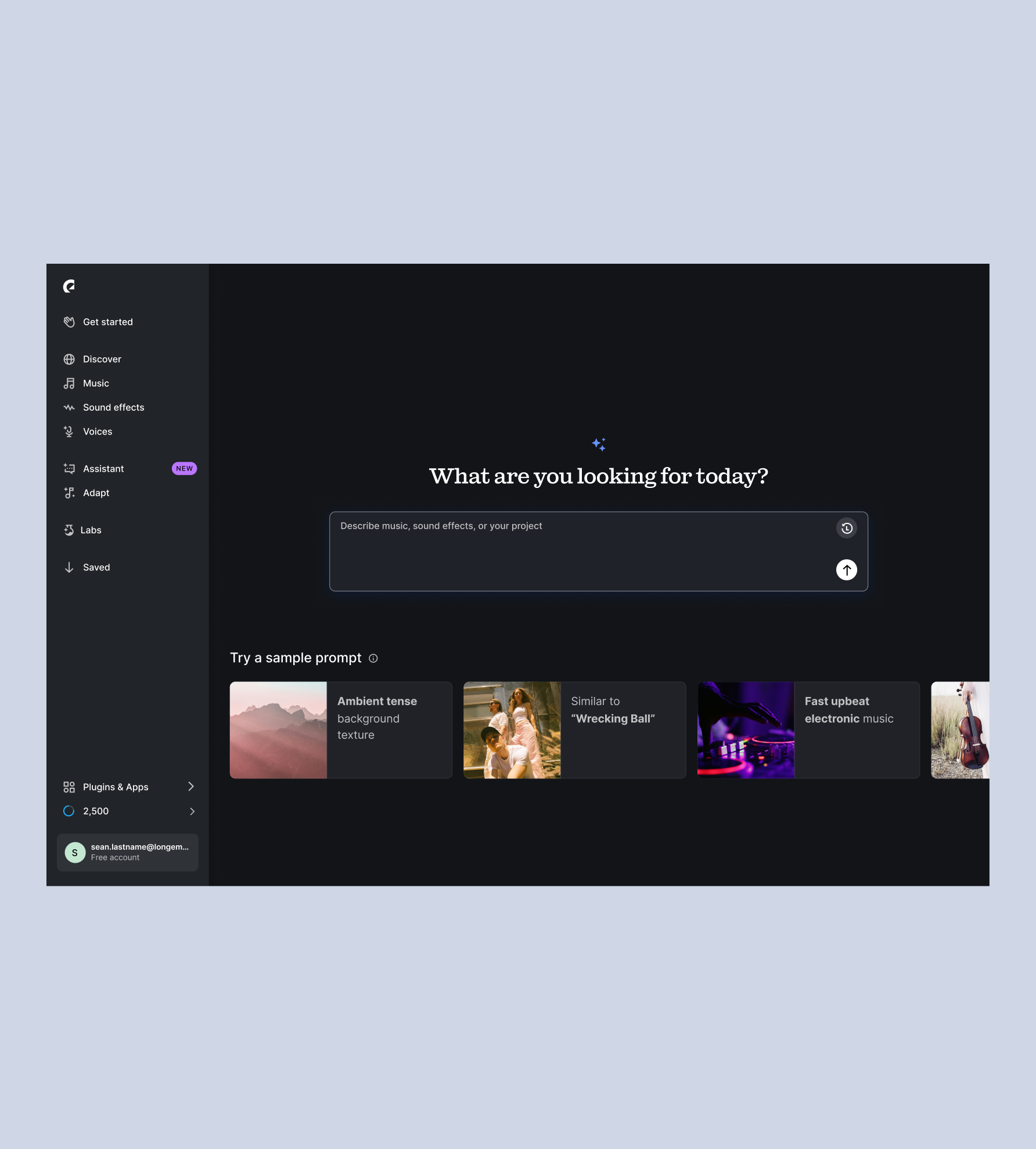
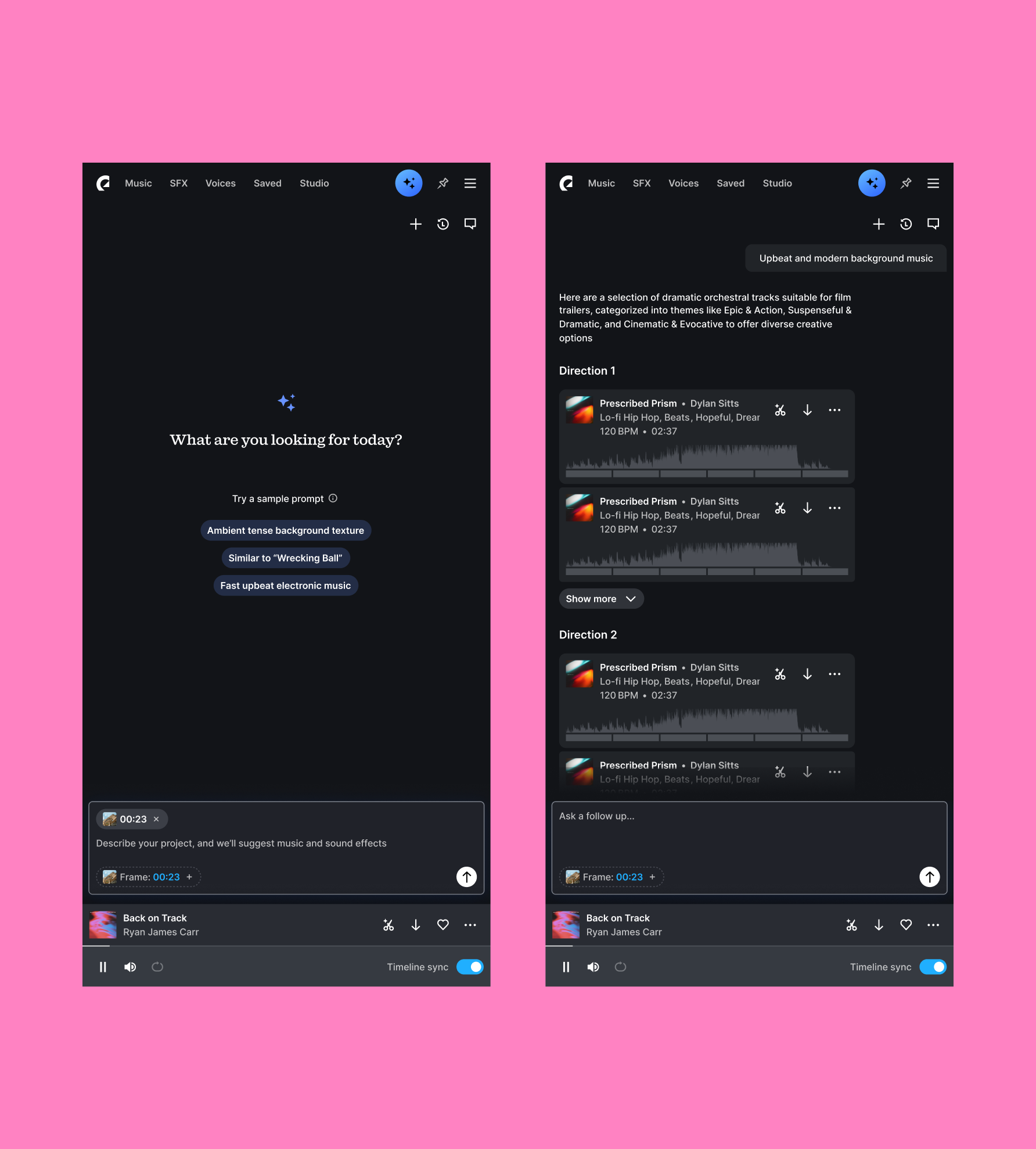
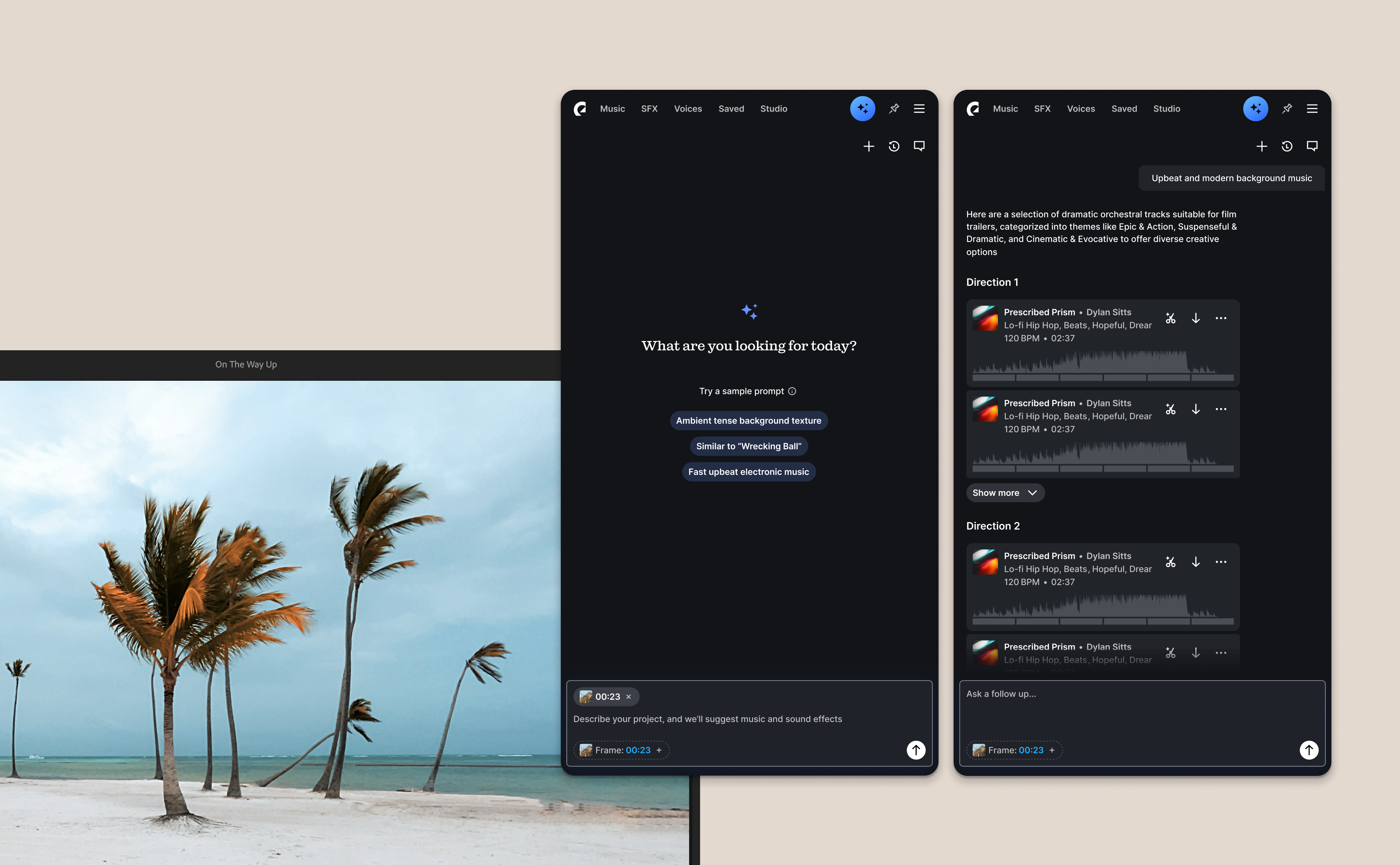
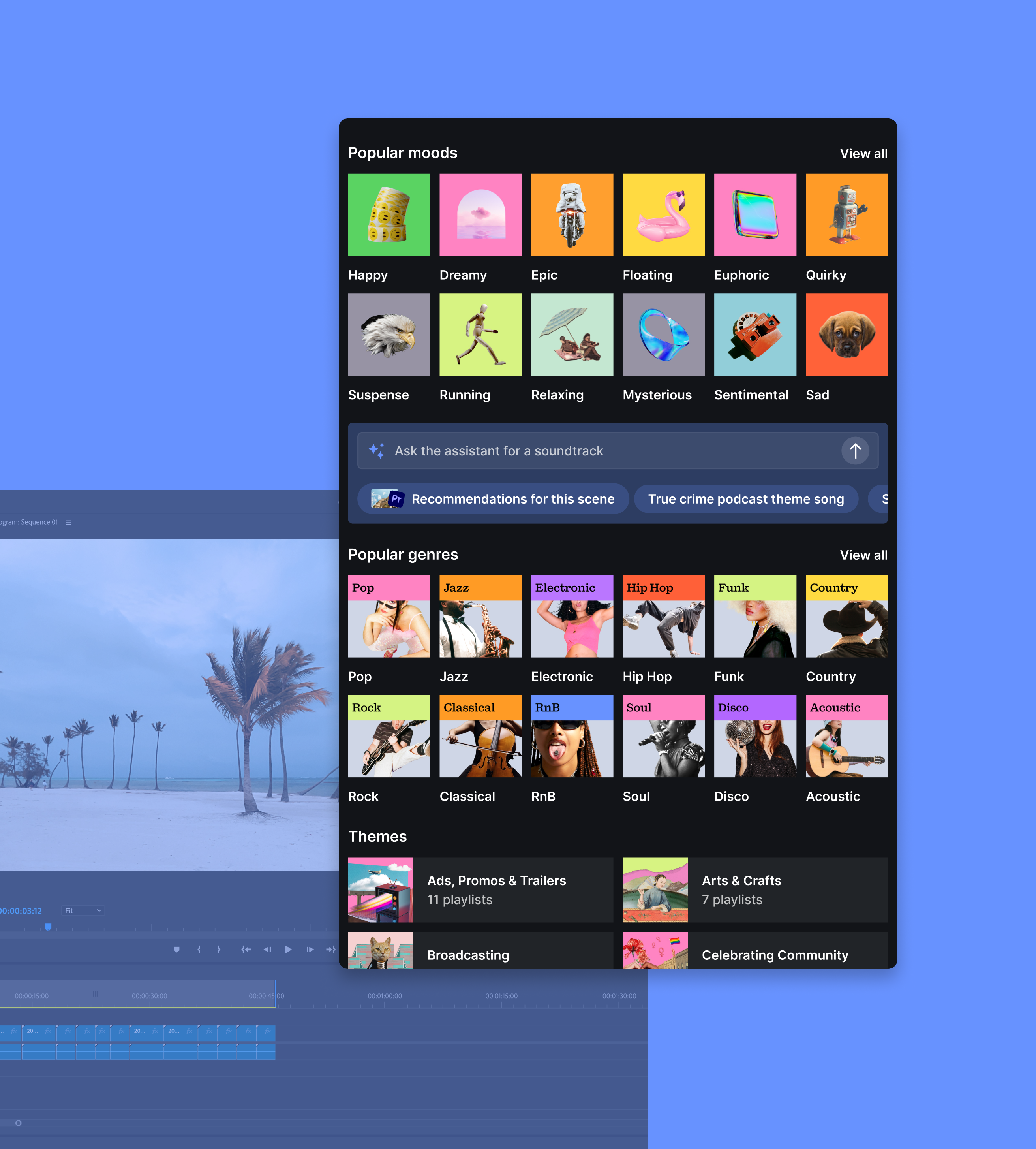
We built an assistant that was contextual, not something off to the side. The aim was for it to feel like a natural part of the creator's workflow on both platforms. Being able to use more than text made the vibe and the mood easier to describe: natural language, a track, or a frame from the video.
In the plugin the creator's project was right there, so we could use it to make the recommendations better. Web had taught us not to break how people already worked, so we built the new ways into their workflow.
The A/B test showed strong reactions to the version that pushed the assistant on people. That made us rethink how we did it in the plugin. Find success went up though, and the feedback on the assistant itself was good.
Getting it in front of users early is what taught us the most. With new AI features there are no patterns people know yet, so you cannot figure it out on your own. You have to see someone use it.